Amby

Overview
Amby is an AI-powered platform that helps manufacturing technicians diagnose and fix complex CNC and industrial machines faster. I joined the company as a front-end engineer, but quickly transitioned into a UX-focused product role where I now lead design decisions, craft product flows, and shape our AI-first user experience across web, mobile, and iPad.
Over a year and a half, the product evolved from a simple remote support webapp into a multi-platform, AI-guided troubleshooting tool, used by technicians at aerospace, automotive, and medical device manufacturing sites.
At a Glance
Role: Product Designer (UX/UI)
Platforms: iPad, mobile, web
Core Work: AI interaction design, UX flows, prototyping, UI systems
Impact: Improved troubleshooting efficiency for technicians across aerospace & manufacturing
Key Contributions:
Designed AI-first user flows for machine diagnostics
Simplified event creation & remote support processes
Built component libraries + multi-device layouts
Collaborated with engineers & AI teams on product direction

The Problem
Technicians lose hours each week trying to diagnose machine failures using outdated manuals, tribal knowledge, or waiting for remote support.
Common challenges included:
Hard-to-find troubleshooting steps
Reliance on expert technicians with limited availability
No structured way to record incidents or machine history
Slow, confusing interfaces on the shop floor
Limited mobile access for technicians working hands-on with machines
Amby's goal:
Reduce machine downtime by giving technicians answers instantly — before involving remote support.
Process
01. Initial Web App: Remote Support First
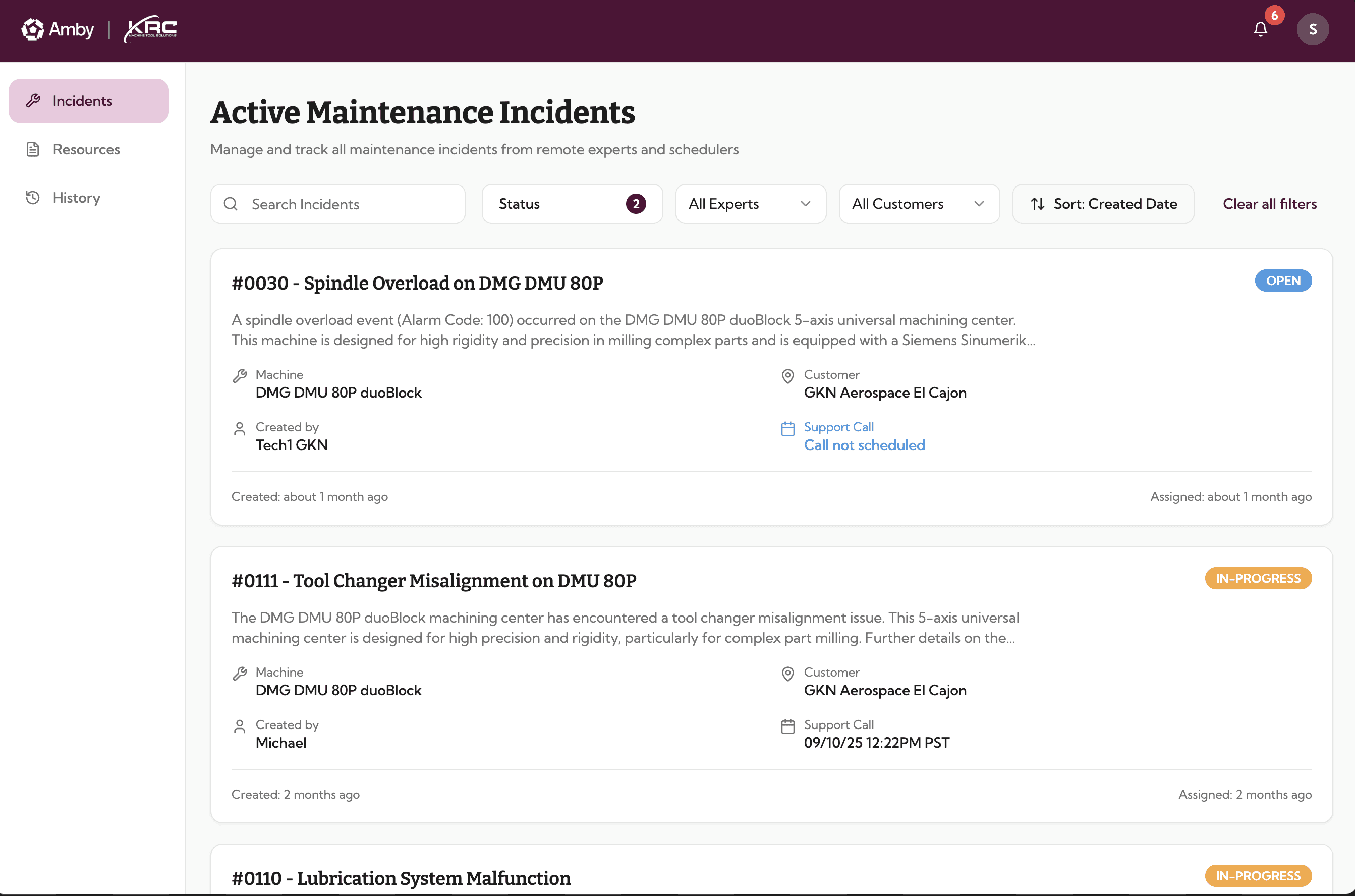
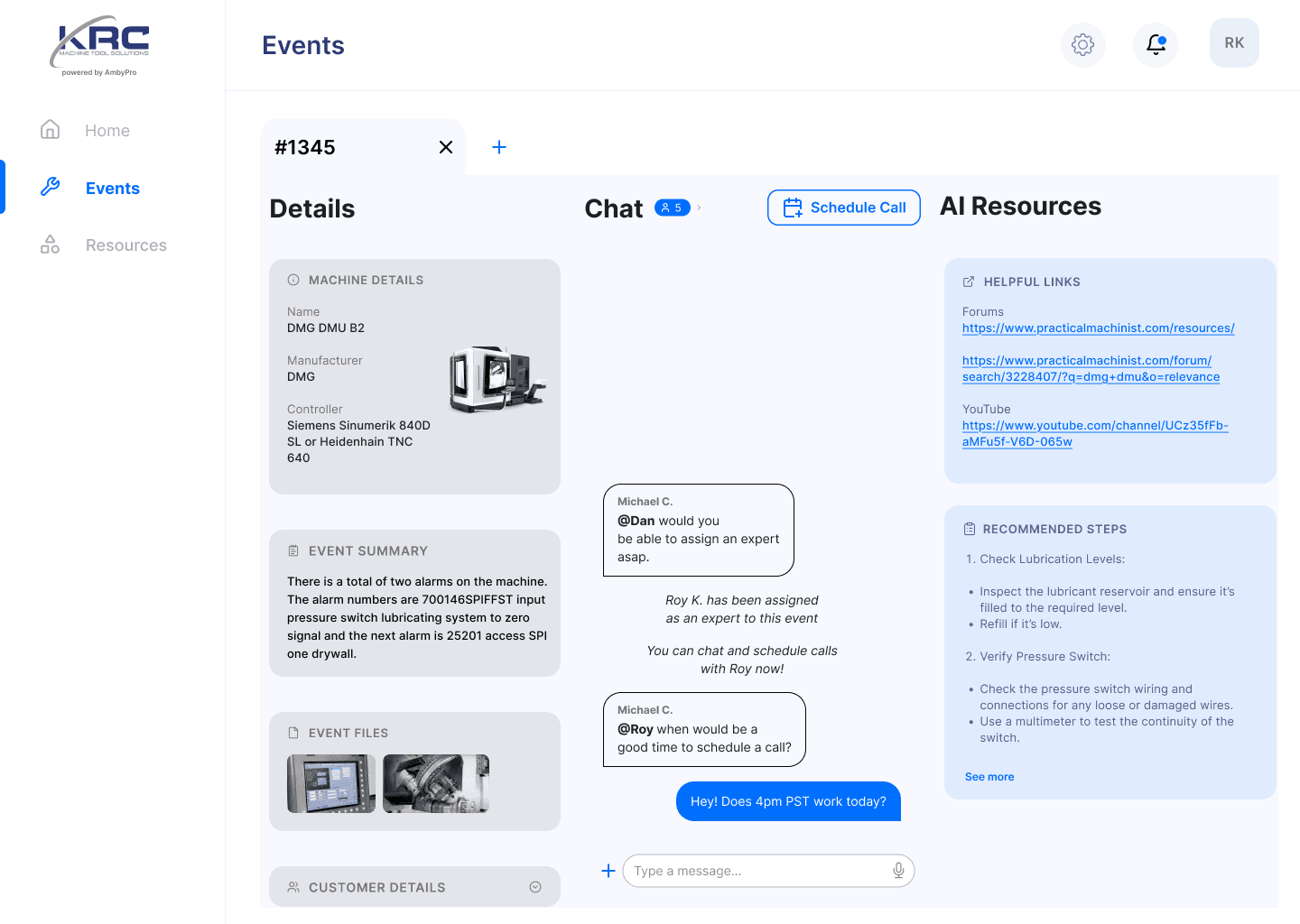
The earliest version focused on incident reporting and live remote support. I designed the initial screens and user flows in Figma, creating a desktop-first experience primarily for office staff rather than technicians on the shop floor.
Issues identified:
Technicians rarely used desktop computers
Slow incident creation
Hard-to-skim event details
Overwhelming text and logs

02. Mobile App: Technicians Need Tools At-Hand
We expanded into mobile to make event creation and updates faster. I designed the mobile interfaces in Figma, rethinking key workflows around technicians' needs on the shop floor.
The event feed
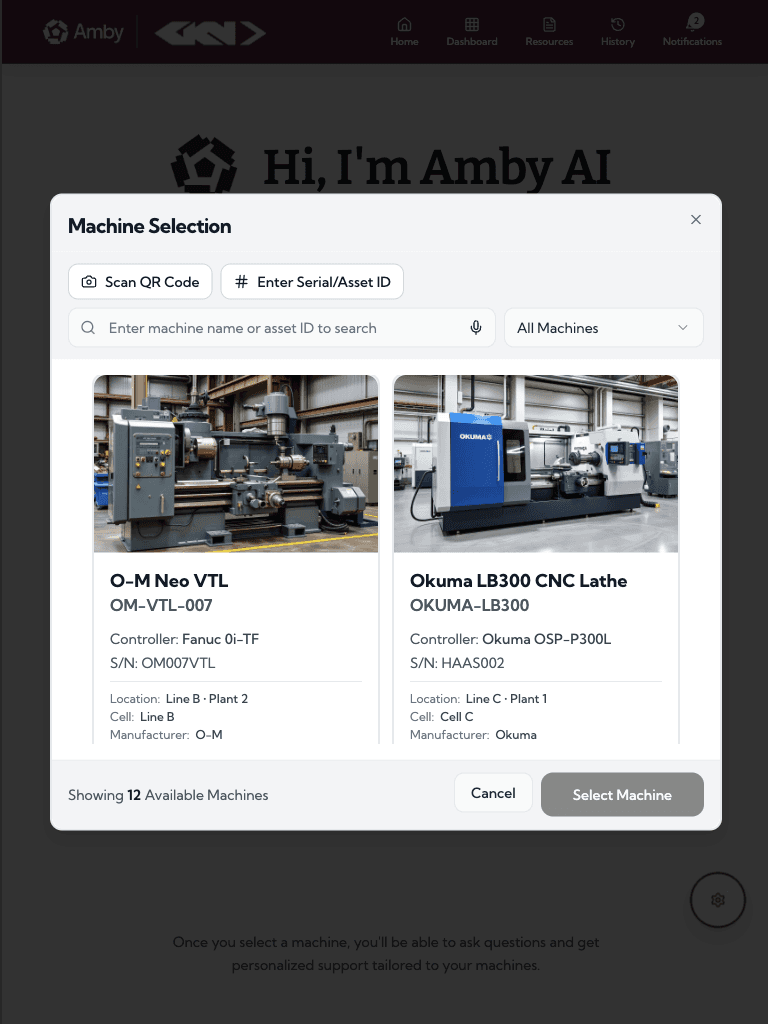
Machine selection UX
Photo/video upload flow
Notifications
Chat & resource pages
The focus was speed, clarity, and hands-free accessibility.
03. iPad + AI-First Experience
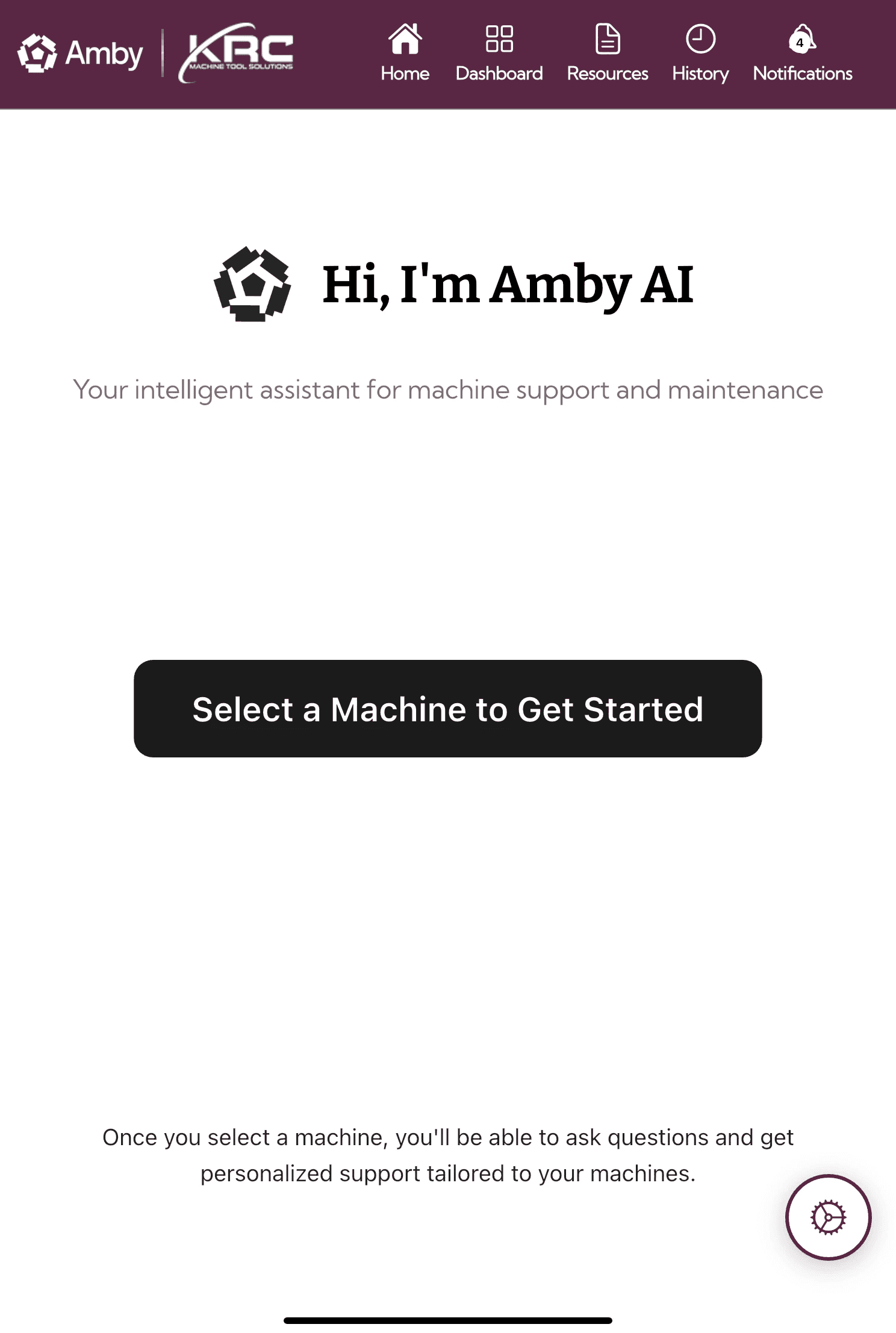
The latest evolution focused on AI-guided troubleshooting, moving from “call support first” to “try solving with AI first.” I transitioned from Figma to Lovable for AI-assisted prototyping, allowing me to rapidly build interactive interfaces, explore new workflows, and iterate on the product experience.
Key design shifts:
Machine-first navigation
Natural language search + voice input
AI-generated step-by-step guides
Contextual popular searches
Dynamically generated checklists
Integrated expert escalation only when needed

Outcome
Across multiple product iterations, the redesigns contributed to:
Significant reduction in time-to-diagnosis
Higher technician adoption of mobile/iPad workflows
Increased use of AI before calling experts
More detailed incident records for engineering teams
Clearer resource navigation and faster troubleshooting